Prerequisites
Before you can configure and use ChatGPT with Connect AI, you must first connect a data source to your Connect AI account. See Sources for more information. You also need ChatGPT Plus or Pro.Configure the Connect AI MCP Server
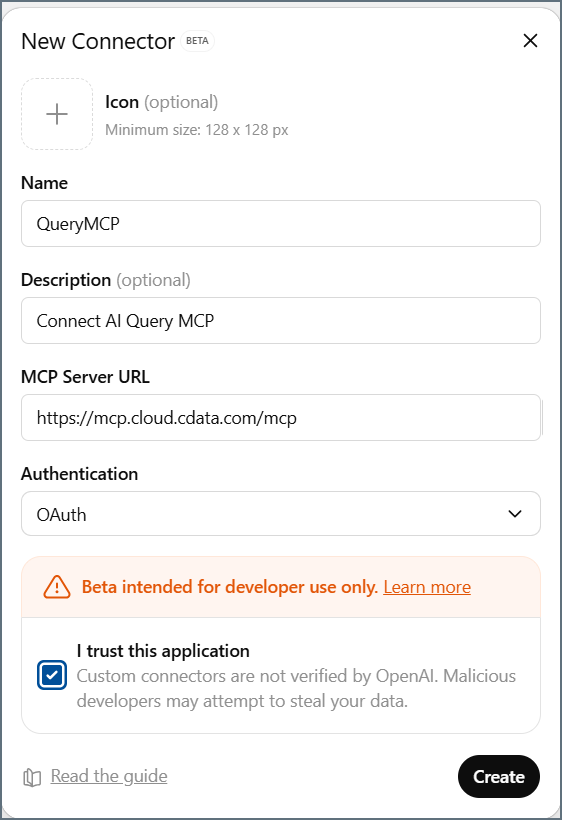
In the New Connector dialog, enter the following:
- Name–enter a name for the connector, such as QueryMCP.
- Description–enter a description for the connector.
- MCP Server URL–enter the URL for the MCP server: https://mcp.cloud.cdata.com/mcp.
- Authentication–select OAuth.
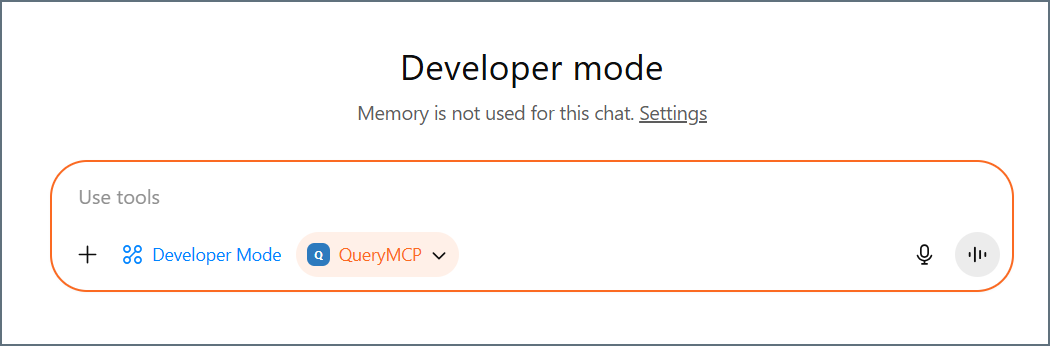
Click Add sources and toggle on the connector you created. The connector appears in the chat session.