Prerequisites
Before you connect, you must first do the following:- Connect a data source to your Connect AI account. See Sources for more information.
- Generate a Personal Access Token (PAT) on the Settings page. Copy this down, as it acts as your password during authentication.
Connect to Connect AI in Choreo
Sign in to the Choreo platform.
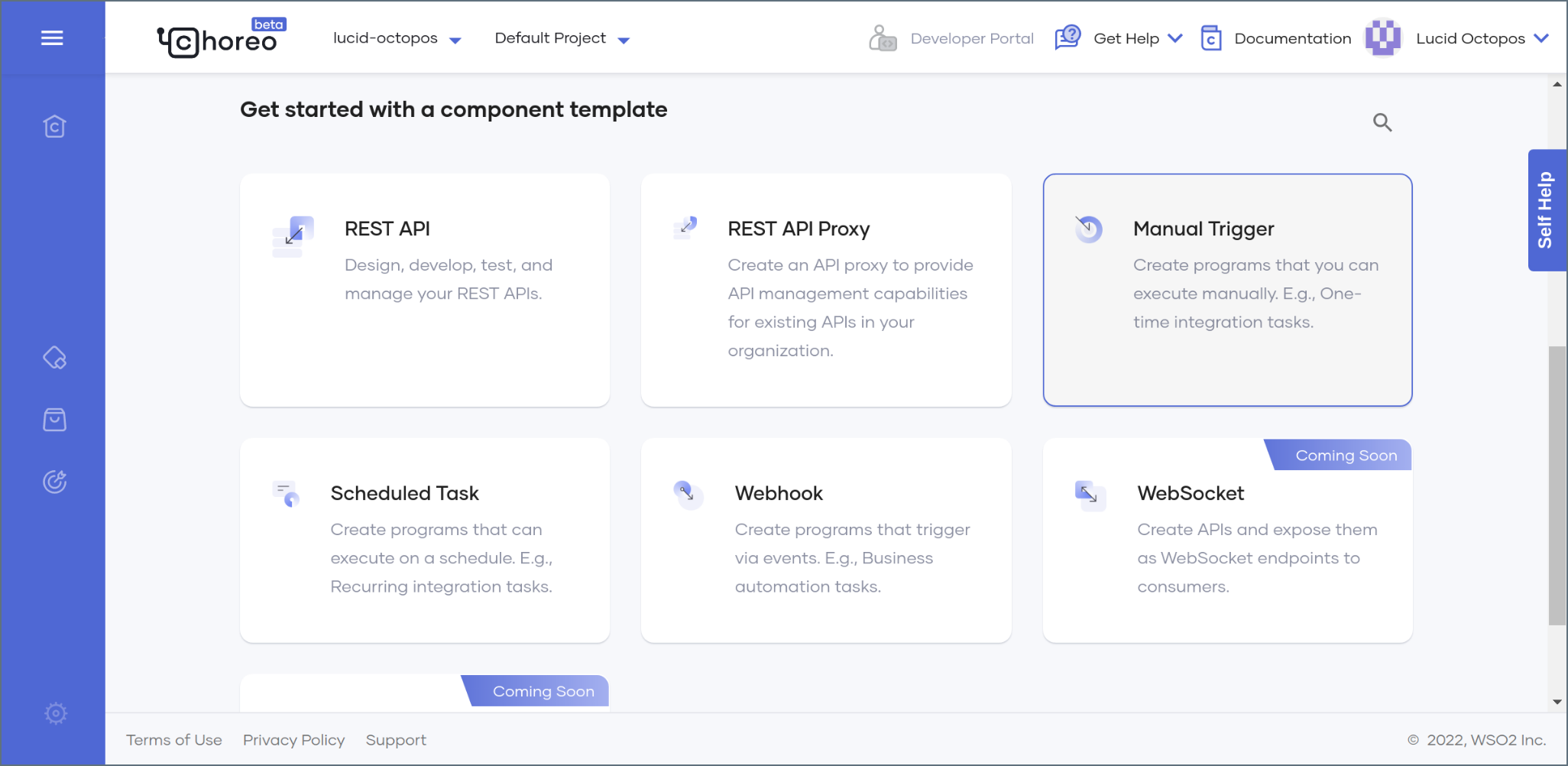
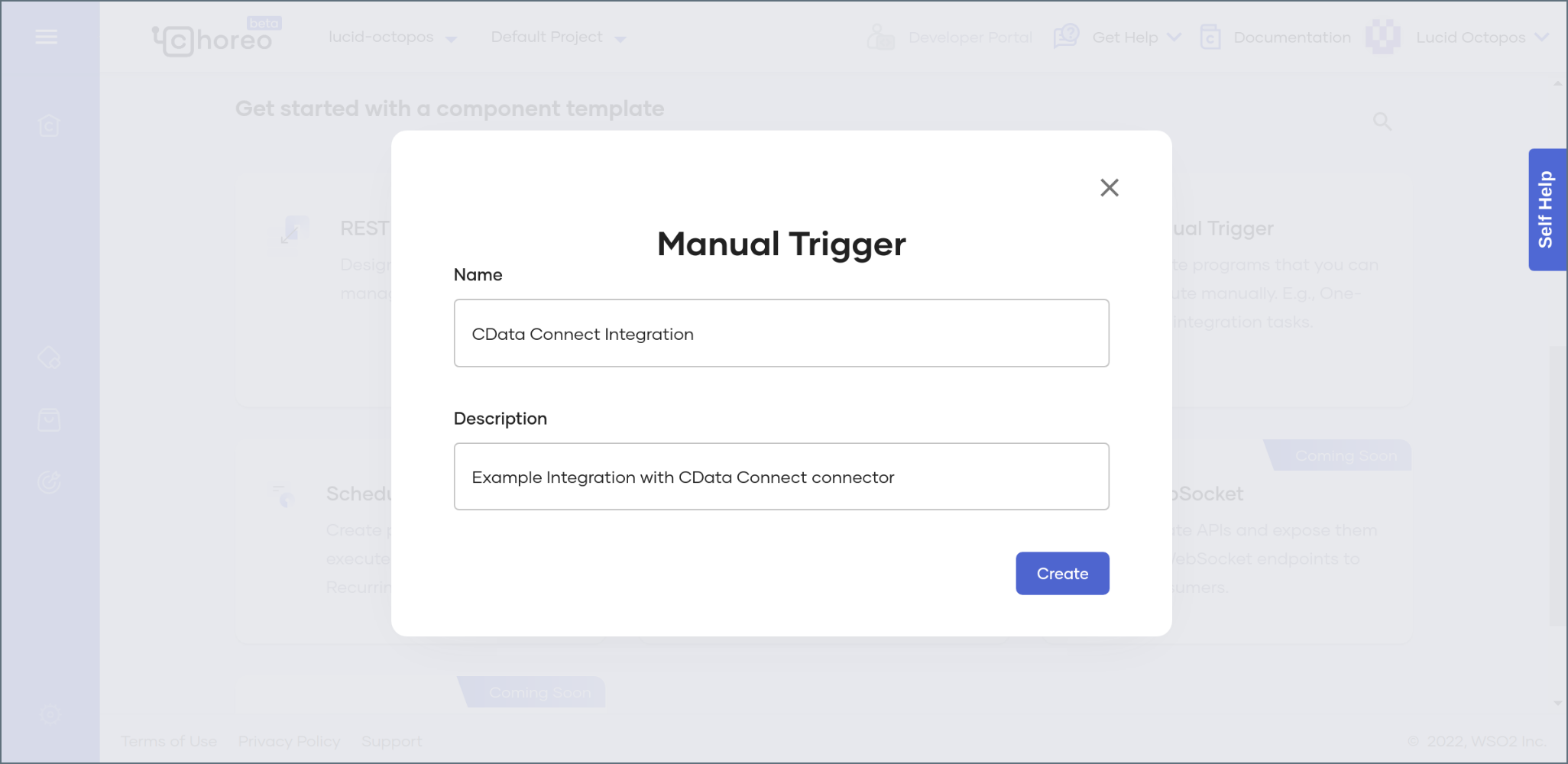
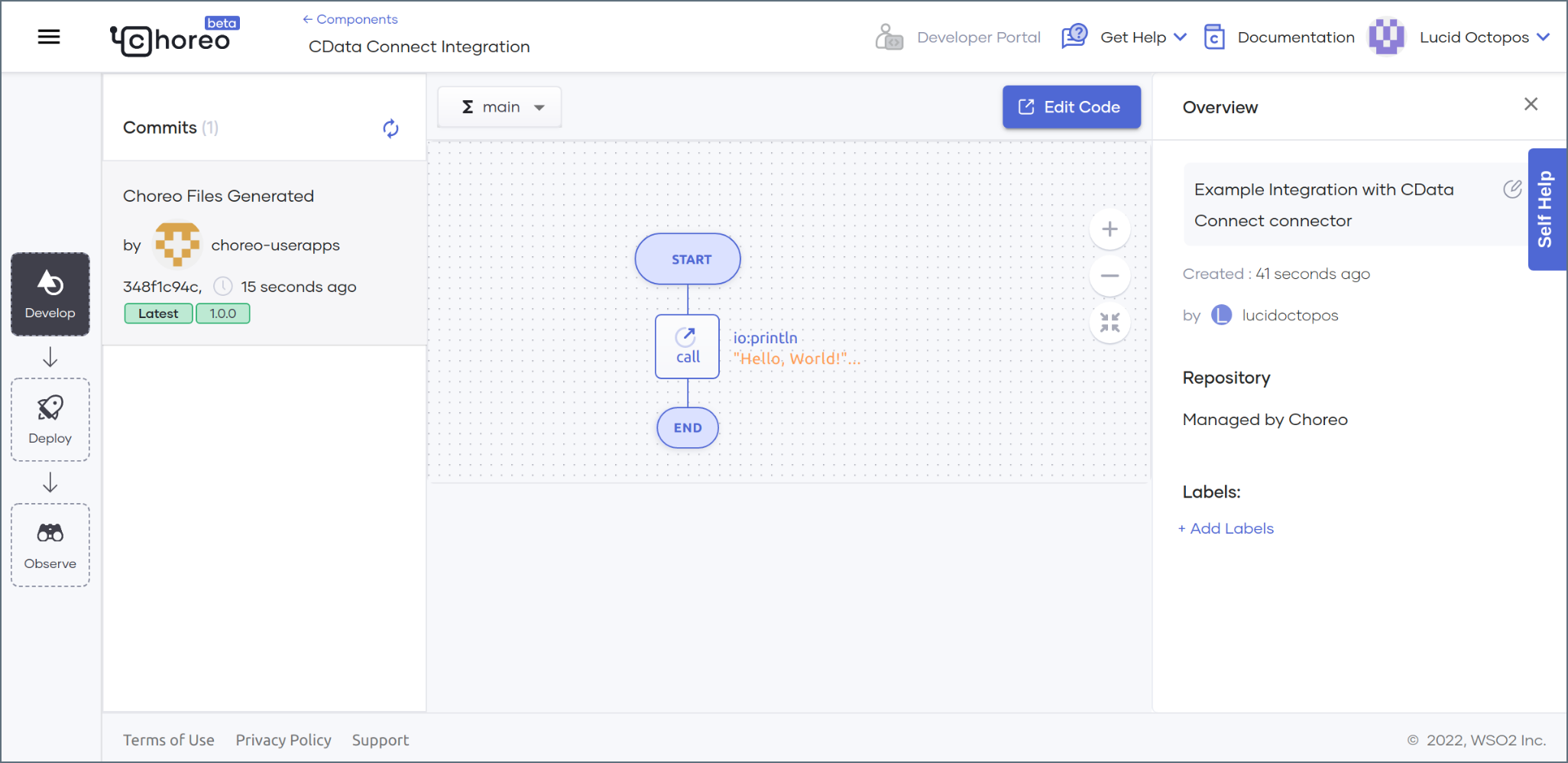
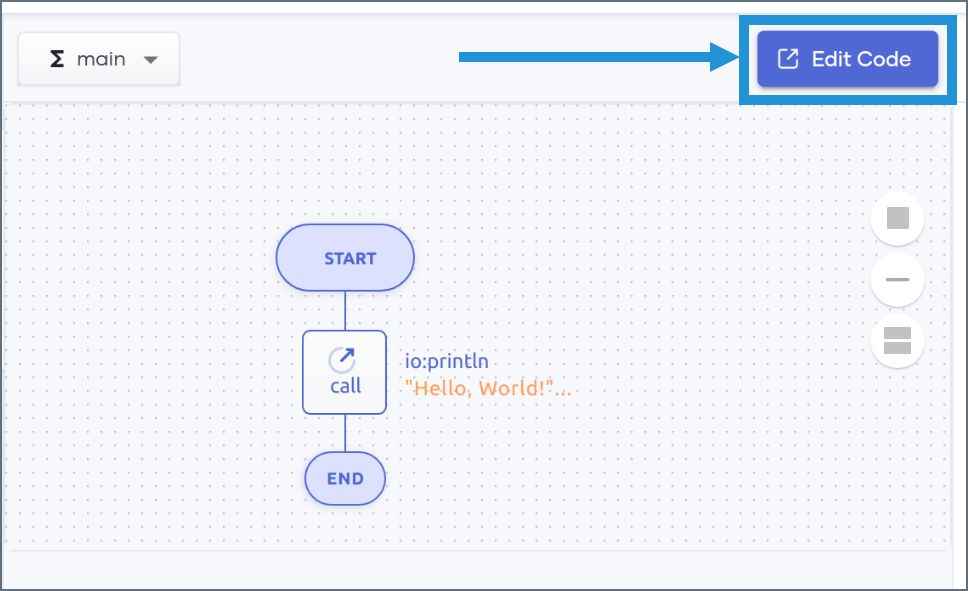
Choreo automatically generates a construct in the low-code diagram view. Delete this construct by highlighting it and clicking the delete icon.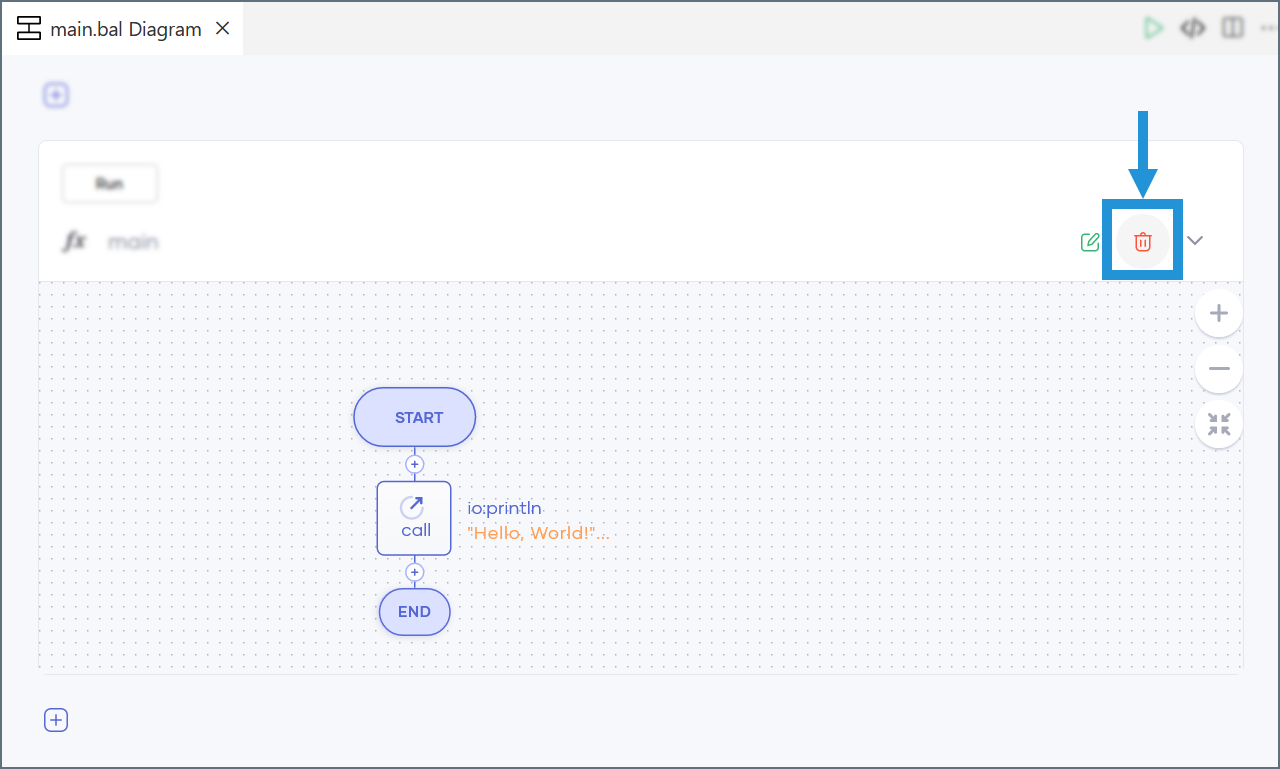
Choreo prompts you to create a new construct. Click the indicated button to open a list of options, then select Main.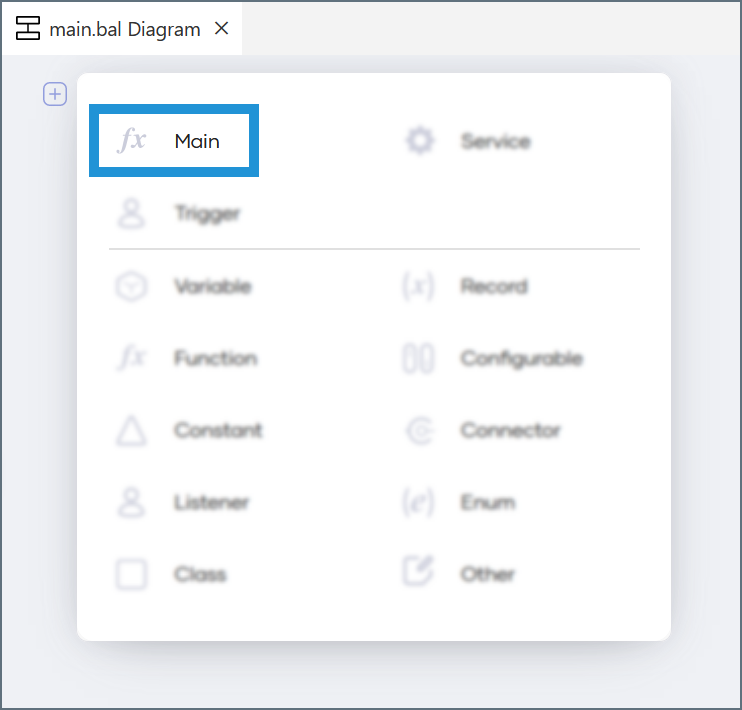
The main construct appears in the diagram view. In the menu that appears under Start, click Connector.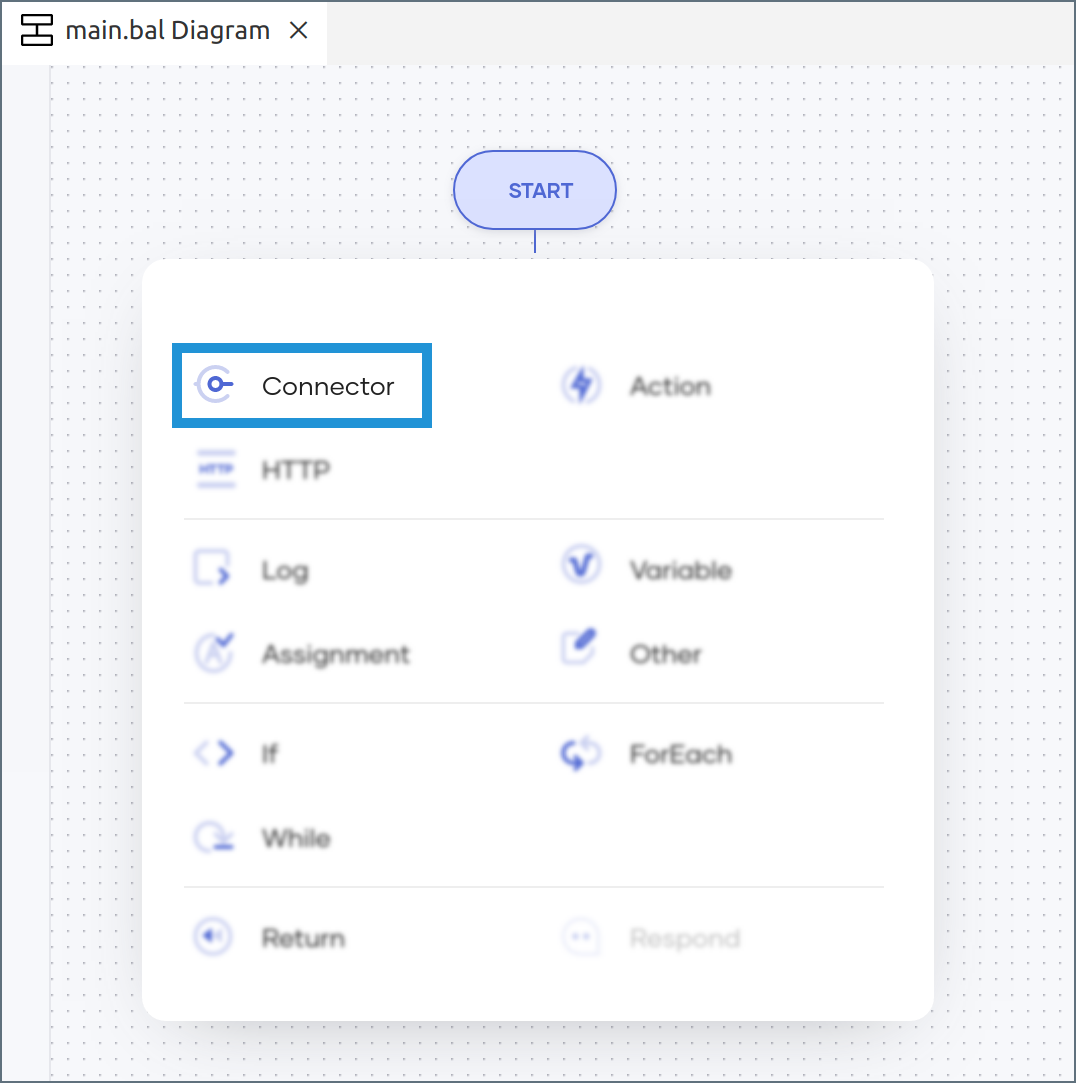
In the Connectors dialog, search for CData. Click CData Connect to open the Connector settings pane.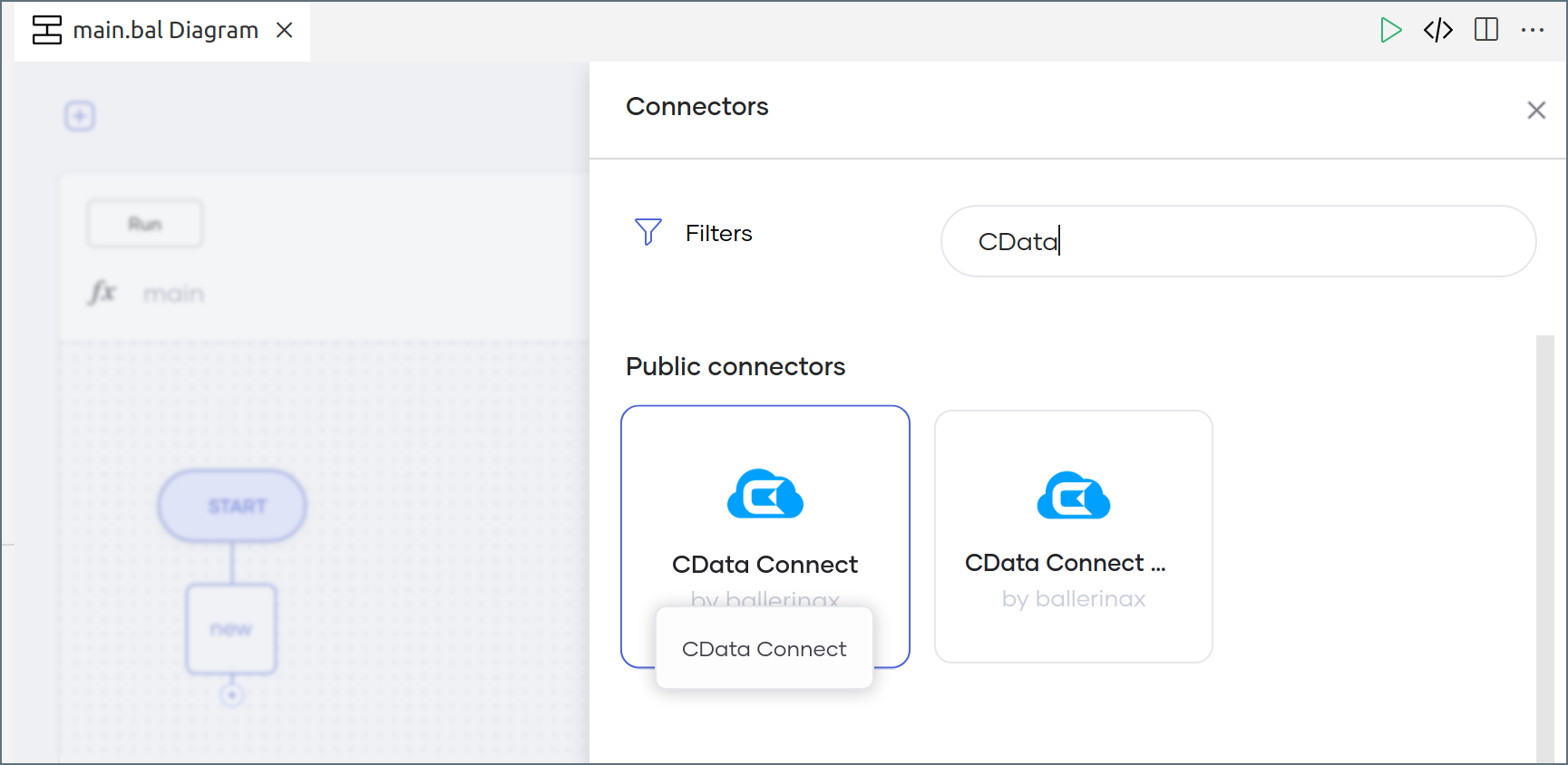
In the Connector settings pane, enter the configuration settings: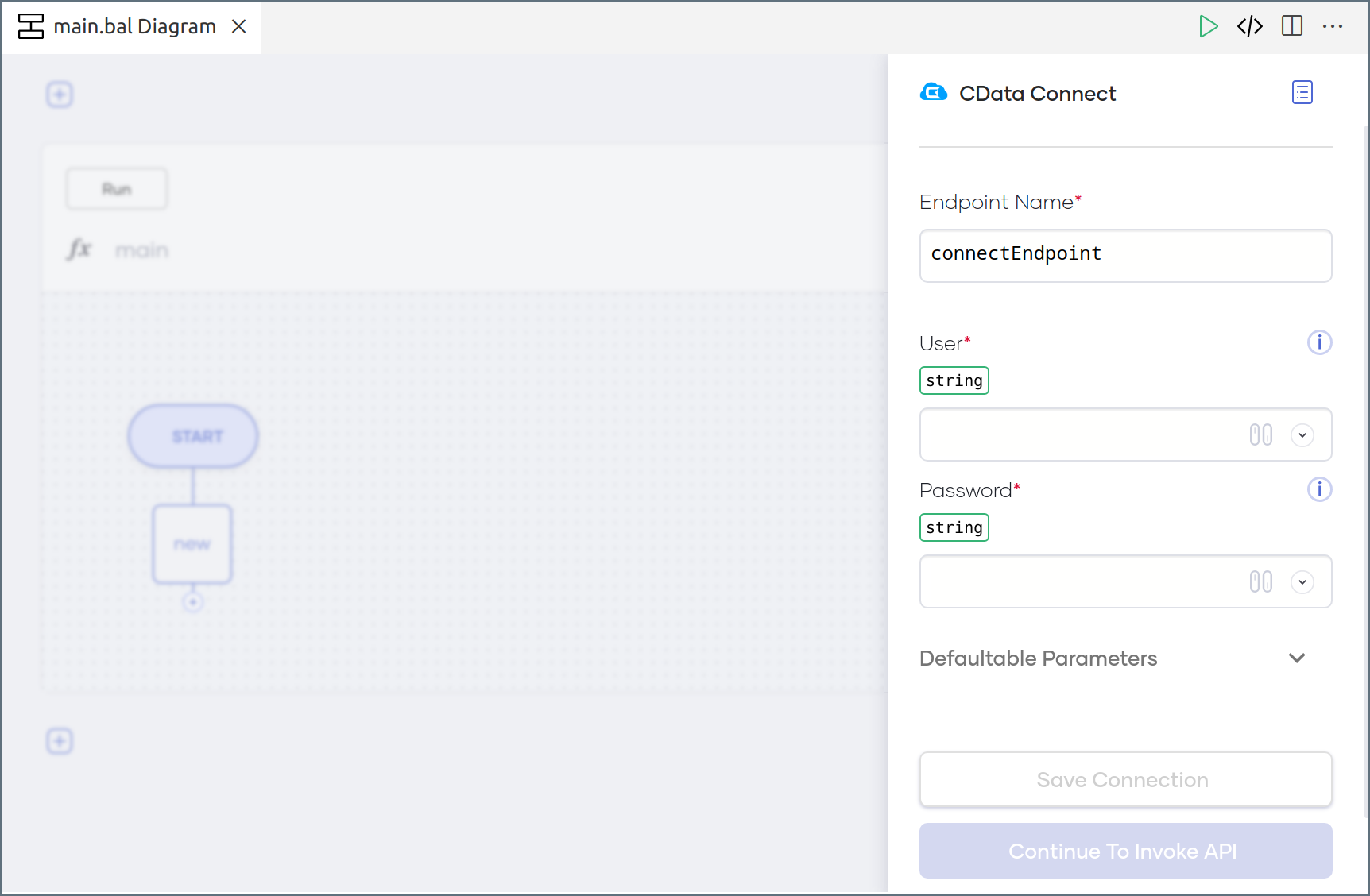
- Enter an Endpoint Name for your use.
- In the User field, enter the email address of the Connect AI user, wrapped in quotation marks (for example, “user@cdata.com”).
- In the Password field, enter the PAT you generated earlier, wrapped in quotation marks (for example, “SampleToken”).
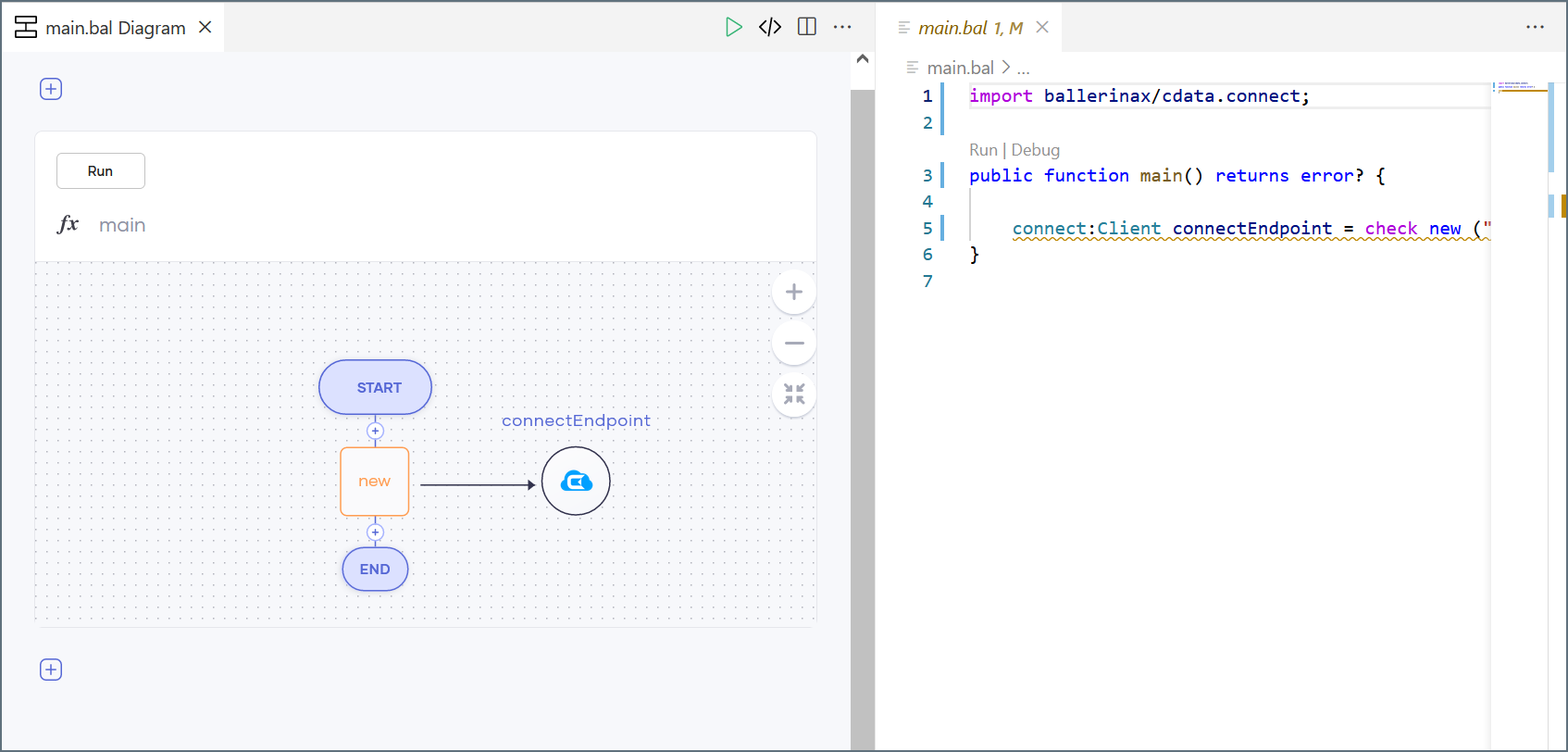
Use Connector Actions in Choreo
To add an Action to your application logic, click the + icon between the new and End nodes.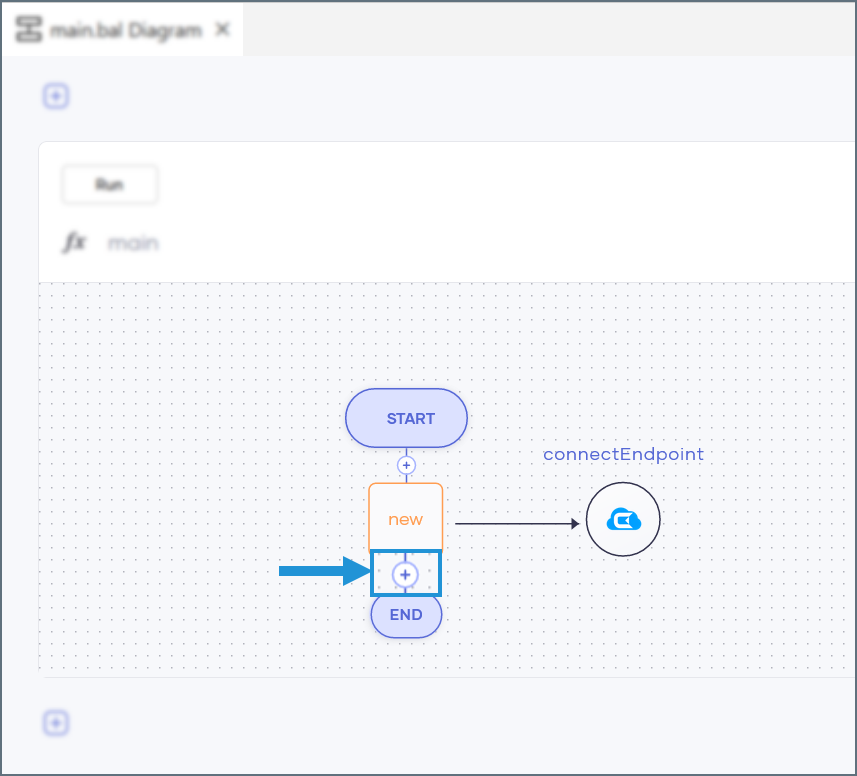
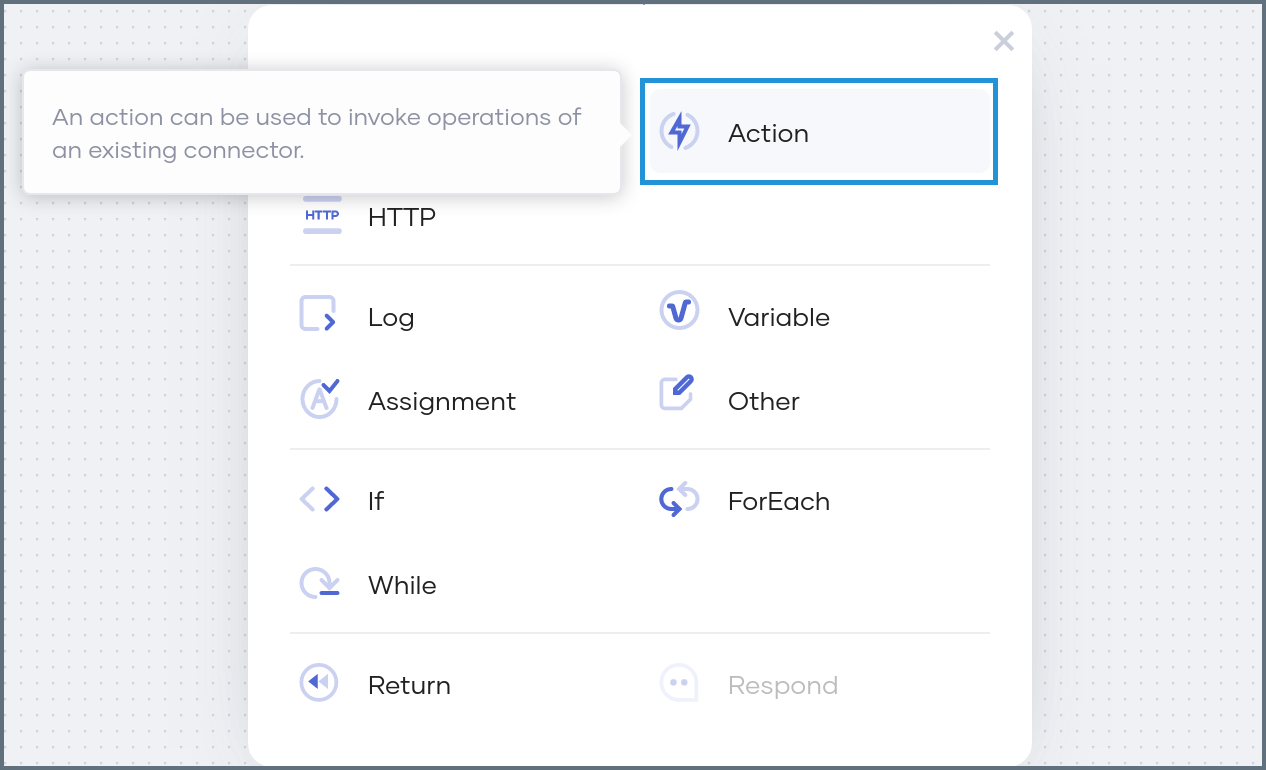
- query—query data from your data sources
- queryRow—query data from a single row of a data source
- execute—perform DML and DDL operations
- batchExecute—perform a batch of DML and DDL operations
- call—execute a stored procedure
Query Action
Follow these steps to configure a query action:Enter your query in the SqlQuery box.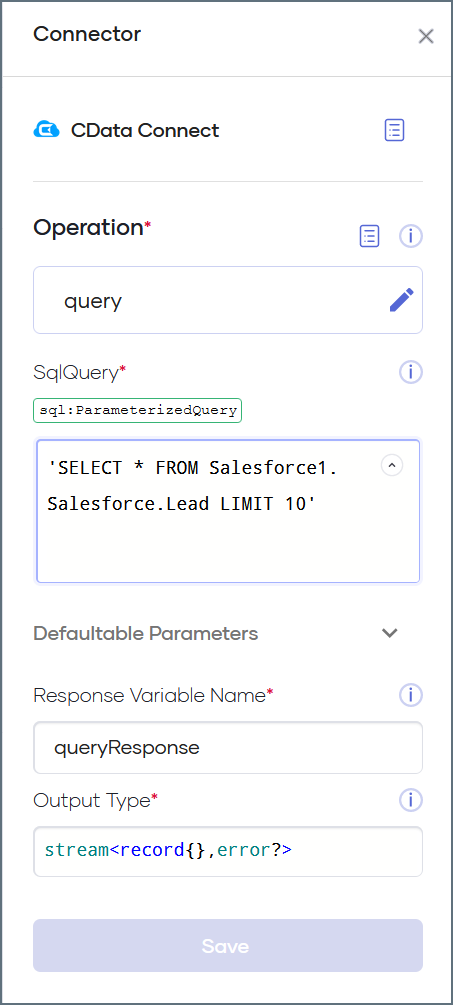
- When writing the query, be sure to specify the Connection Name and Data Source Name of the data source you want to query. For example,
Salesforce1.Salesforce. - These parameters appear on the Sources page of your Connect AI dashboard.
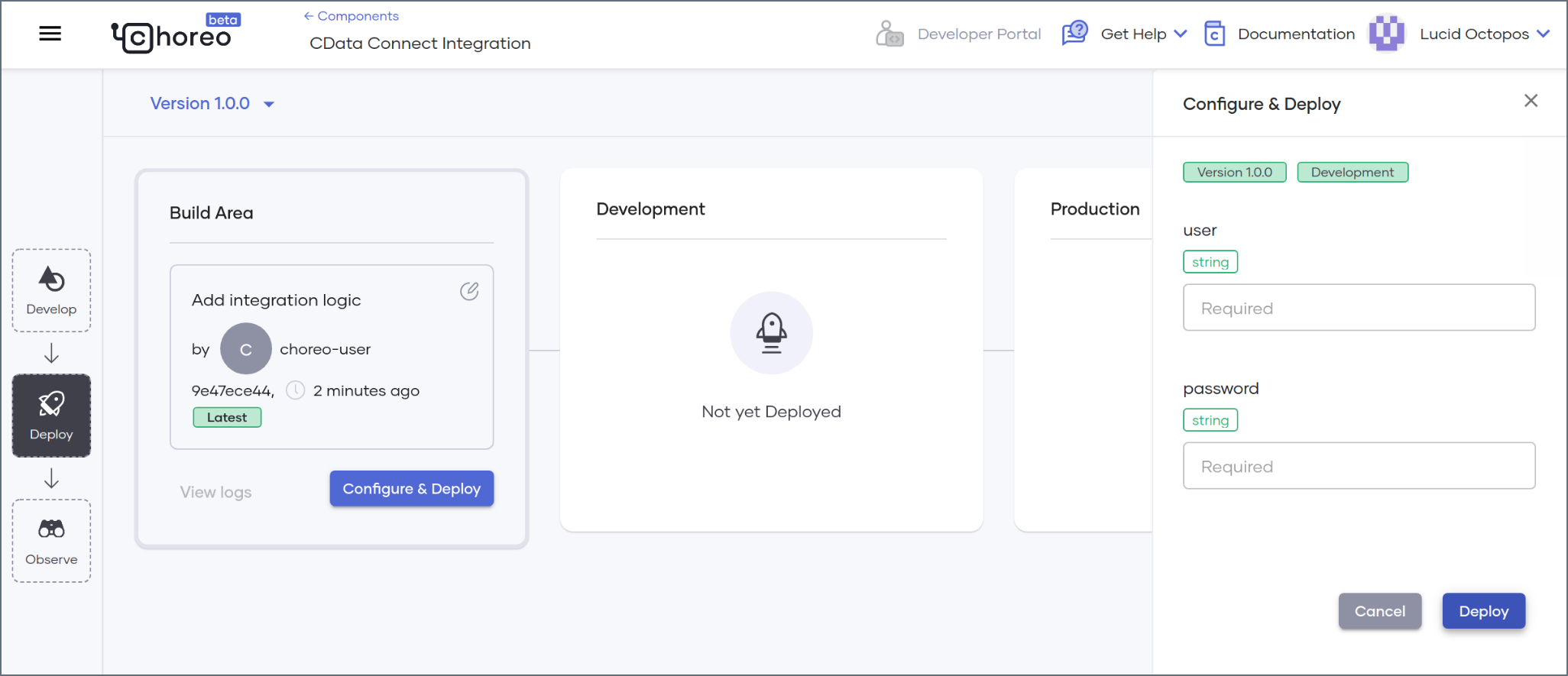
Deploy the Program
Once you have added all of your desired actions to your program, follow these steps:Commit and push your final source code in the web editor and sync those changes with the Choreo platform.