Prerequisites
Before you connect, you must first do the following:- Connect a data source to your Connect AI account. See Sources for more information.
- Generate a Personal Access Token (PAT) on the Settings page. Copy this down, as it acts as your password during authentication.
Connect to Connect AI
To establish a connection from Grafana to the Connect AI Virtual SQL Server API, follow these steps.Download and install Grafana for your operating system from the Grafana website.
Log in to Grafana with your username and password for Grafana. If this is your first time logging in, the username is admin and the password is admin.
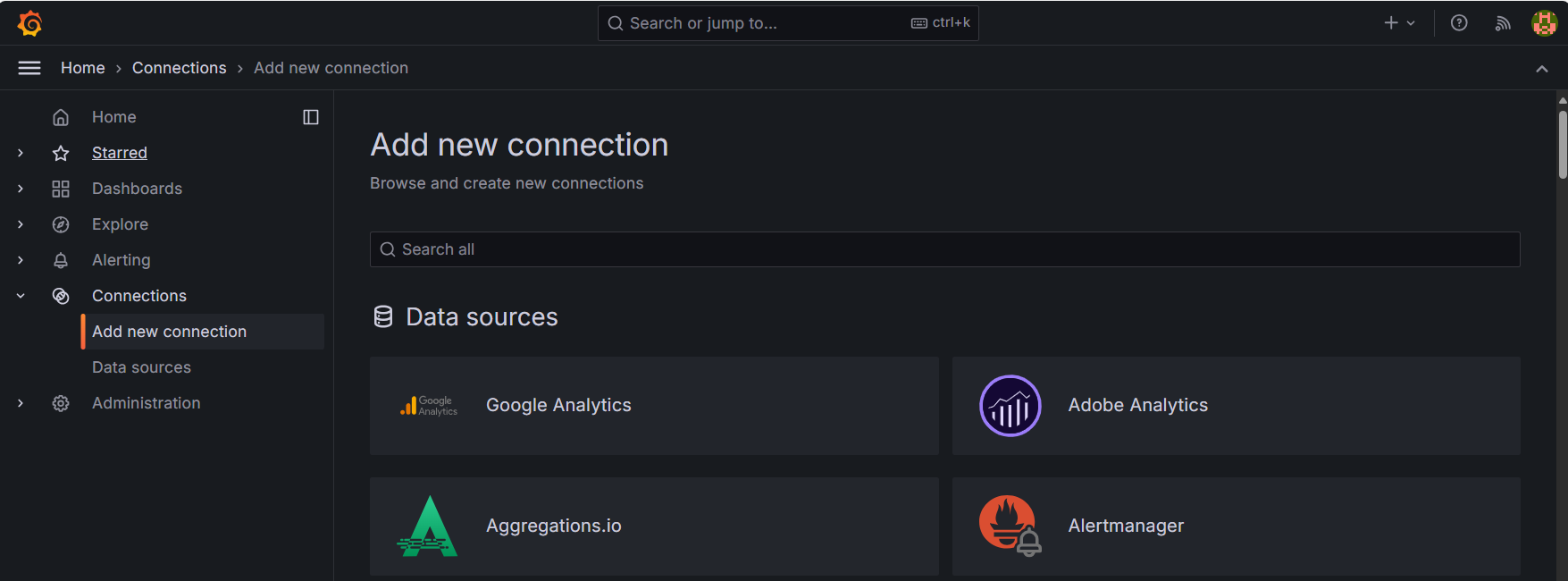

Enter the following connection settings.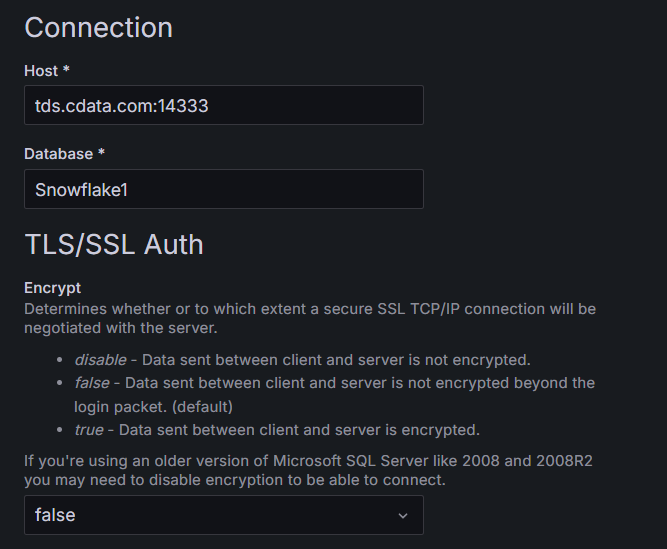
- Host—tds.cdata.com:14333
- Database—enter the Connection Name of the Connect AI data source you want to connect to (for example, Salesforce1).
- Username—enter your Connect AI username. This is displayed in the top-right corner of the Connect AI interface. For example, test@cdata.com.
- Password—enter the PAT you generated on the Settings page.