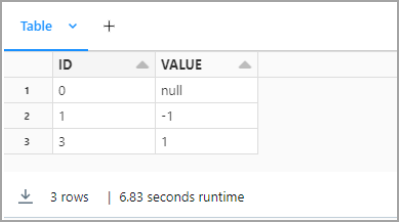
Prerequisites
Before you can configure and use Databricks with Connect AI, you must first connect a data source to your Connect AI account. See Sources for more information. You must also generate a Personal Access Token (PAT) on the Settings page. Copy this down, as it acts as your password during authentication.Connect to Connect AI
To establish a connection from Databricks to Connect AI, follow these steps.Download and install the Connect AI JDBC driver.
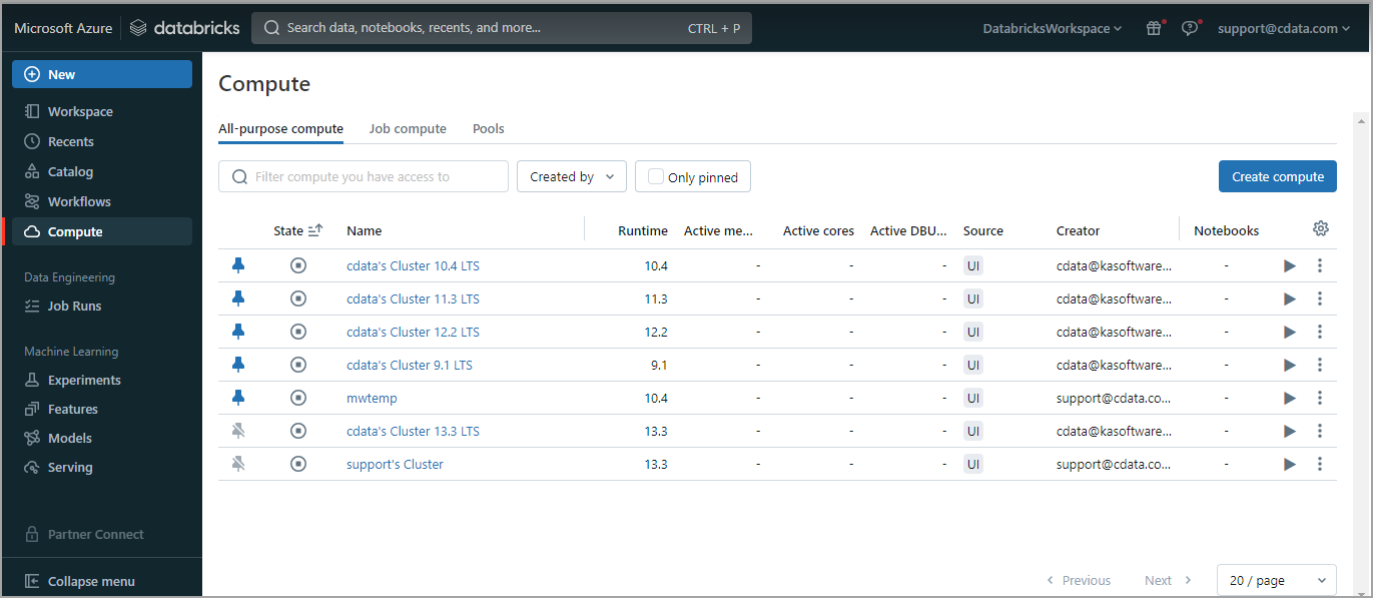
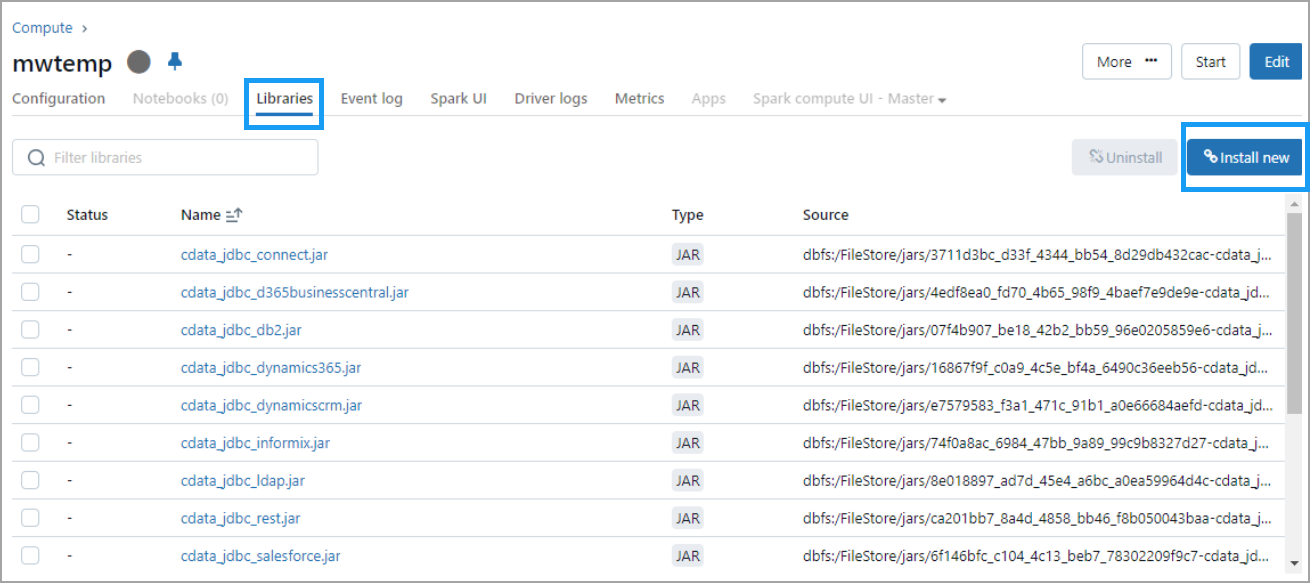
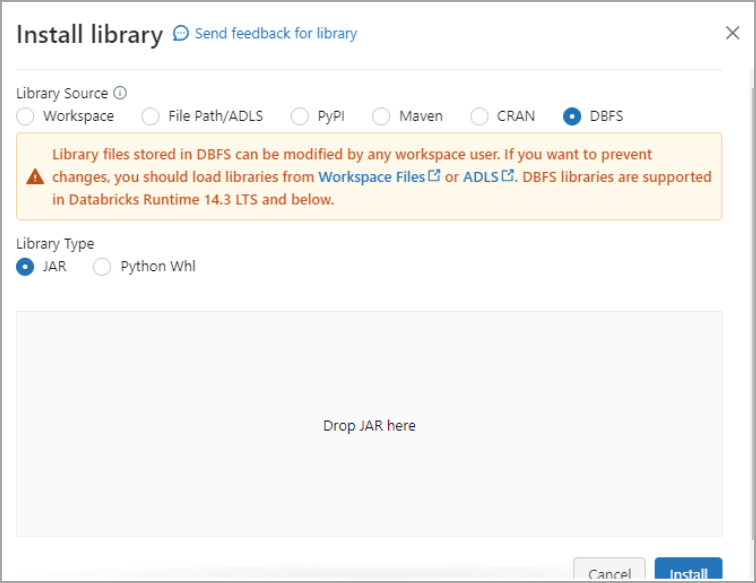
Select DBFS. Then drag and drop the JDBC JAR file into the indicated area. The file has the name cdata.jdbc.connect.jar. Click Install.
The first script is below. Change the following:
- Update
Userwith your Connect AI username. - Update
Passwordwith the PAT you generated in the prerequisites. - Update
Your_Connection_namewith the name of the data source you created in the prerequisites.
From the menu on the right side, select Add cell below to add a second script. The second script is below. Change the following:
- Update
Userwith your Connect AI username. - Update
Passwordwith the PAT you generated in the prerequisites. - Update
Your_Connection_namewith the name of the data source you created in the prerequisites. - Update
YOUR_SCHEMA.YOUR_TABLEwith your schema and table, for example,PUBLIC.CUSTOMERS.
Add a cell for the third script. The third script is below. Select the columns you want to display.