Prerequisites
Before you can configure and use GitHub Copilot with Connect AI, you must do the following:Connect a data source to your Connect AI account. See Sources for more information.
Settings ページでPersonal Access Token(PAT)を生成します。PAT をコピーし、認証時にパスワードとして使用します。
Create the Configuration File
- Create a folder named
.vscodein your project repository. Within this folder, create a file namedmcp.jsonand add the following configuration. ReplaceBasic <your_base64_encoded_email_PAT>withBasicand the Base64-encoded value ofusername:PAT(the PAT was generated in the prerequisites).
Start the MCP Server
Click Start within your IDE to start the MCP server. If the MCP server starts without error, it displays Running.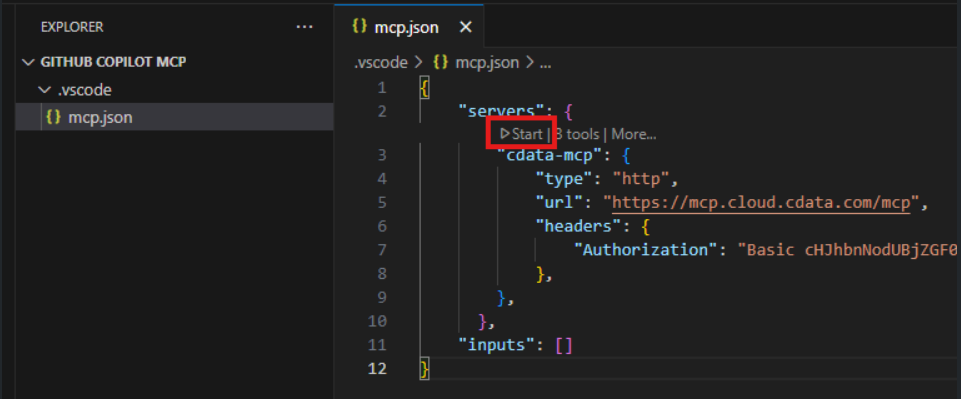
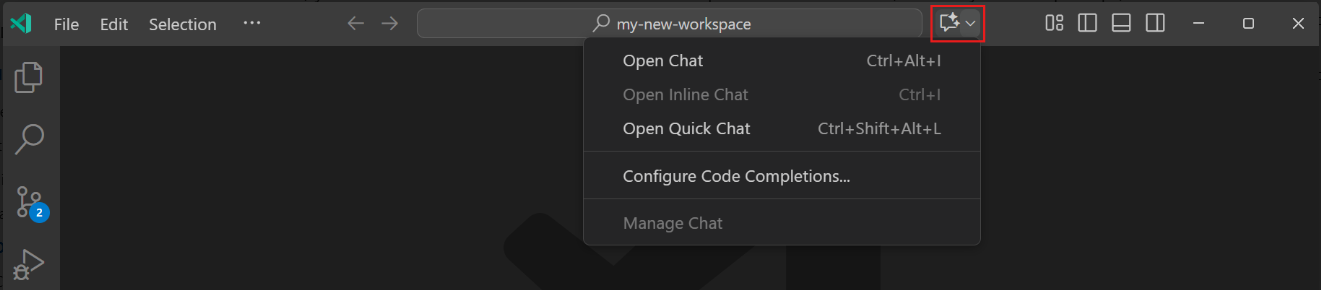
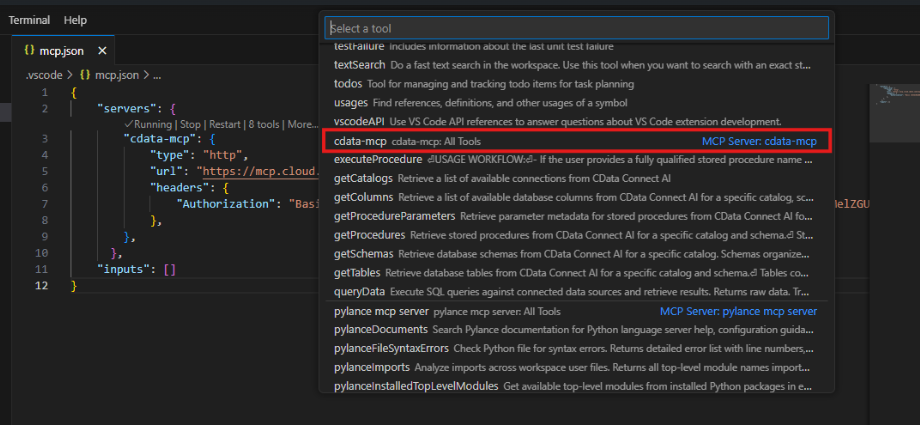
Chat with GitHub Copilot
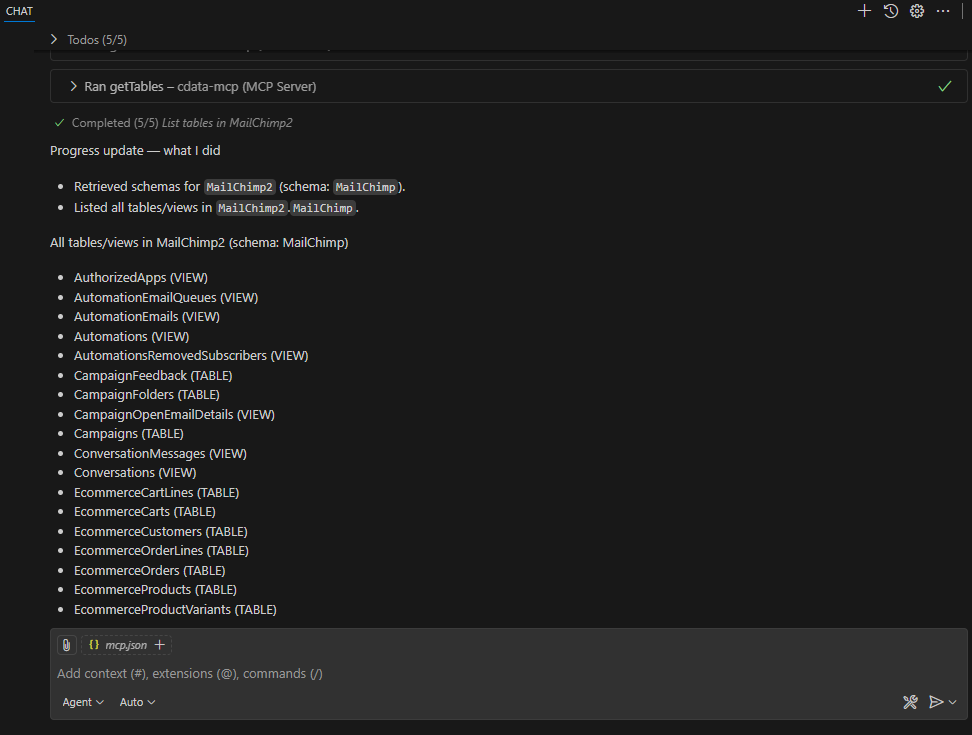
You can now chat with GitHub Copilot and issue contextual prompts. As a test, you can provide the MCP server with a simple prompt, such as a list of tables for a particular connection. GitHub Copilot uses the Connect AI tools such asgetCatalogs, getSchemas, and getTables to retrieve data from the connected data source.