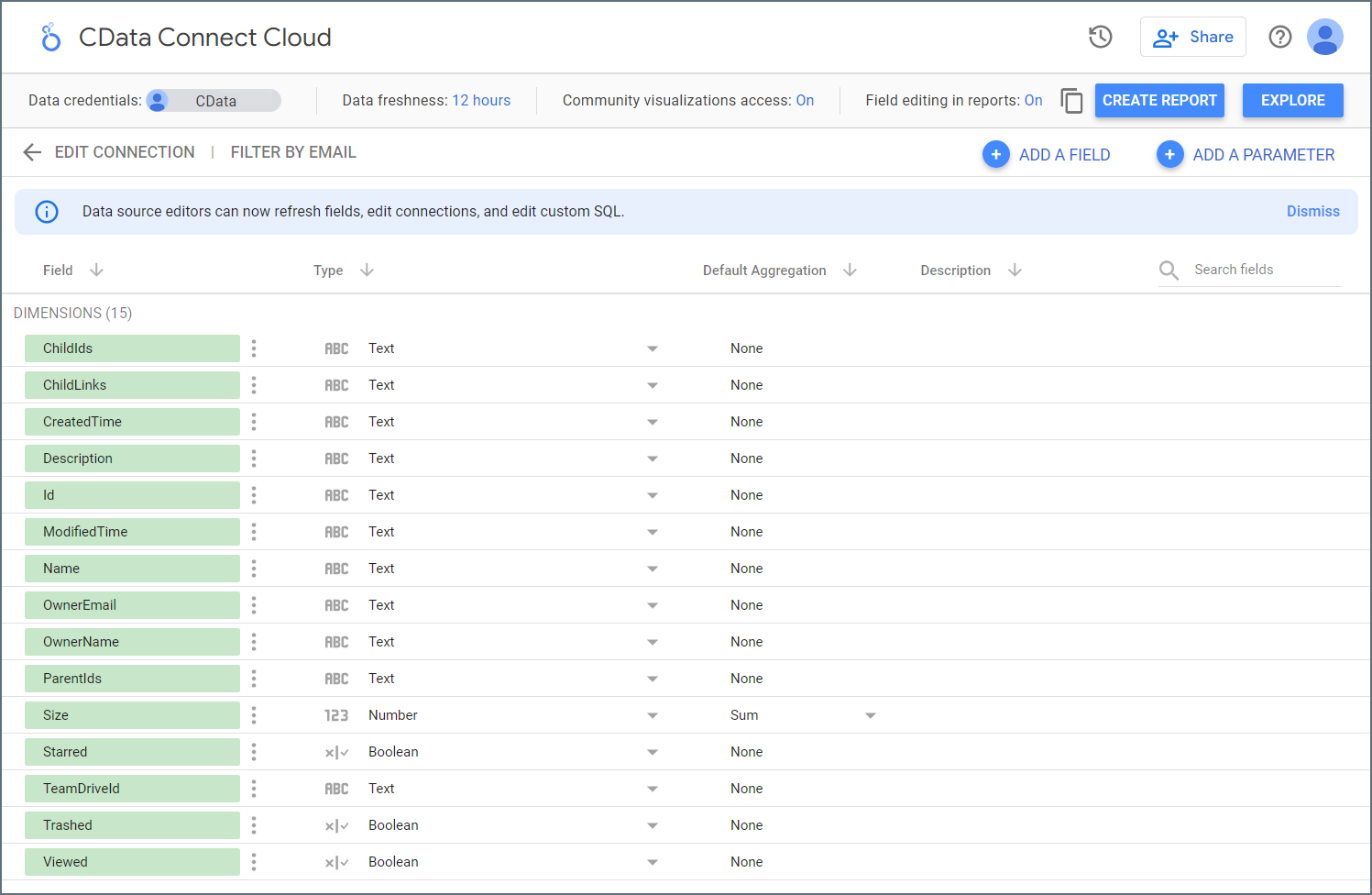
Prerequisites
Connect AI でLooker Studio を設定して使用する前に、データソースをConnect AI アカウントに接続する必要があります。詳細は、Sources を参照してください。Sign in to Looker Studio using your Google account.
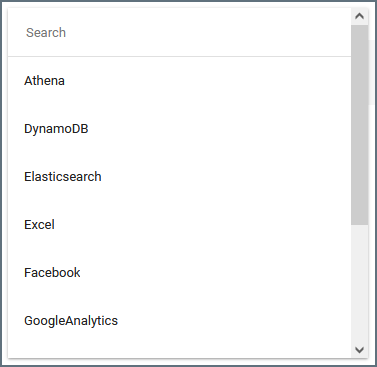
Click here to search for the Connect AI connector.
Alternatively, from the Looker Studio dashboard, click + Create, then click Data Source and search for Connect AI.
Alternatively, from the Looker Studio dashboard, click + Create, then click Data Source and search for Connect AI.
(Optional) By default, all data in the table will be imported. If you want to use a custom query for the data instead of retrieving all data, check the Use custom query box and enter the parameters in the Custom Query box.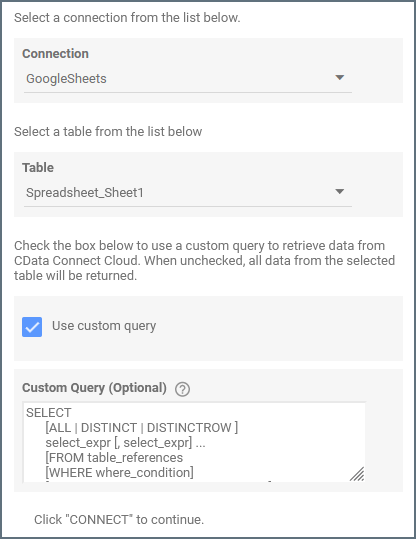
(Optional) If you want to use the current user’s email within a custom query, use the parameter token Connect AI replaces the parameter with the current user’s email address.
@DS_USER_EMAIL in the query, as follows: