Prerequisites
Before you connect Metabase to Connect AI, you must perform the following prerequisites. In Connect AI:- Connect a data source to your Connect AI account. See Sources for more information.
- Generate a Personal Access Token (PAT) on the Settings page. Copy this down, as it acts as your password during authentication.
Download and Install the Metabase JAR File
In the new directory, run the JAR file:Metabase logs its progress in the terminal as it starts up. Wait until you see the message
Metabase Initialization Complete before you start Metabase.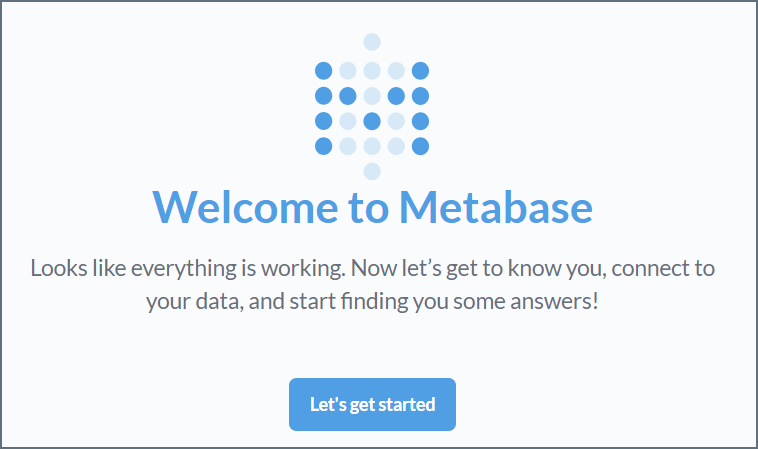
Connect to Connect AI
Step 4 of the Metabase setup is adding your data. To connect to Connect AI, do the following: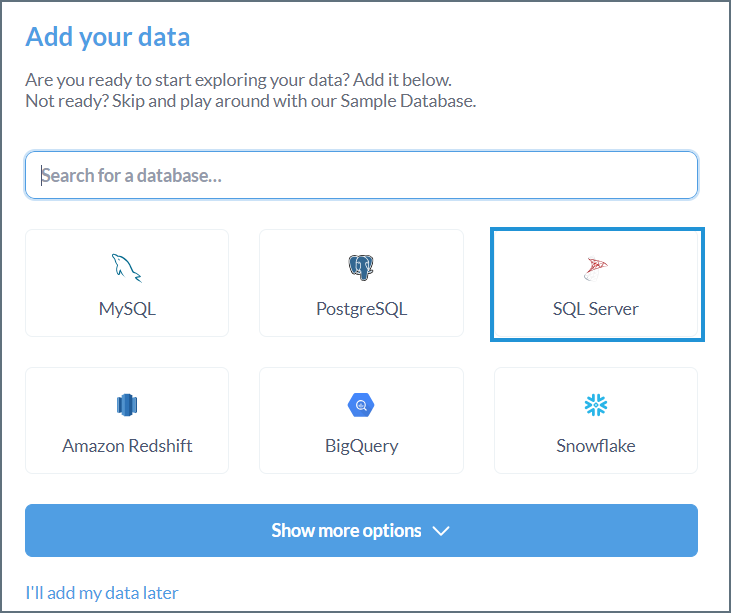
Enter the following information: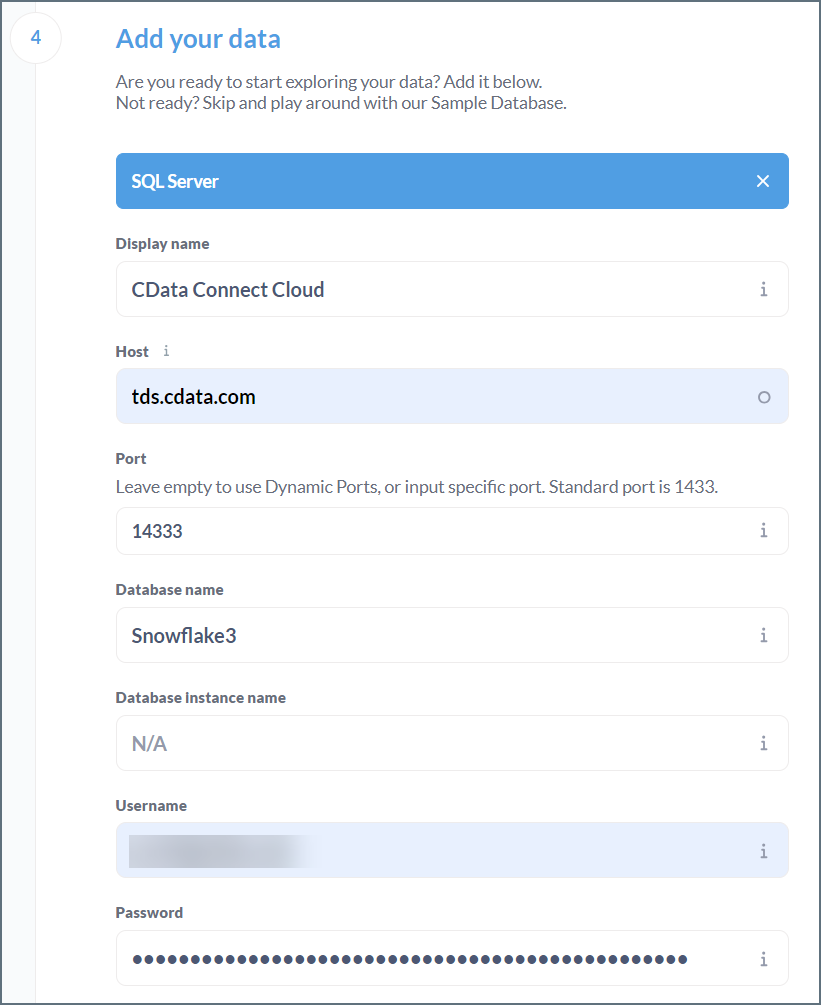
- Display name—the name of your data for display purposes.
- Host—tds.cdata.com
- Port—14333
- Database name—接続したいConnect AI データソースのConnection Name を入力します。例:Salesforce1
- Database Instance name—N/A
- Username—Connect AI のユーザー名を入力します。ユーザー名は、Connect AI の画面の右上に表示されています。例:
test@cdata.co.jp - Password—Settings ページで生成したPAT を入力します。